
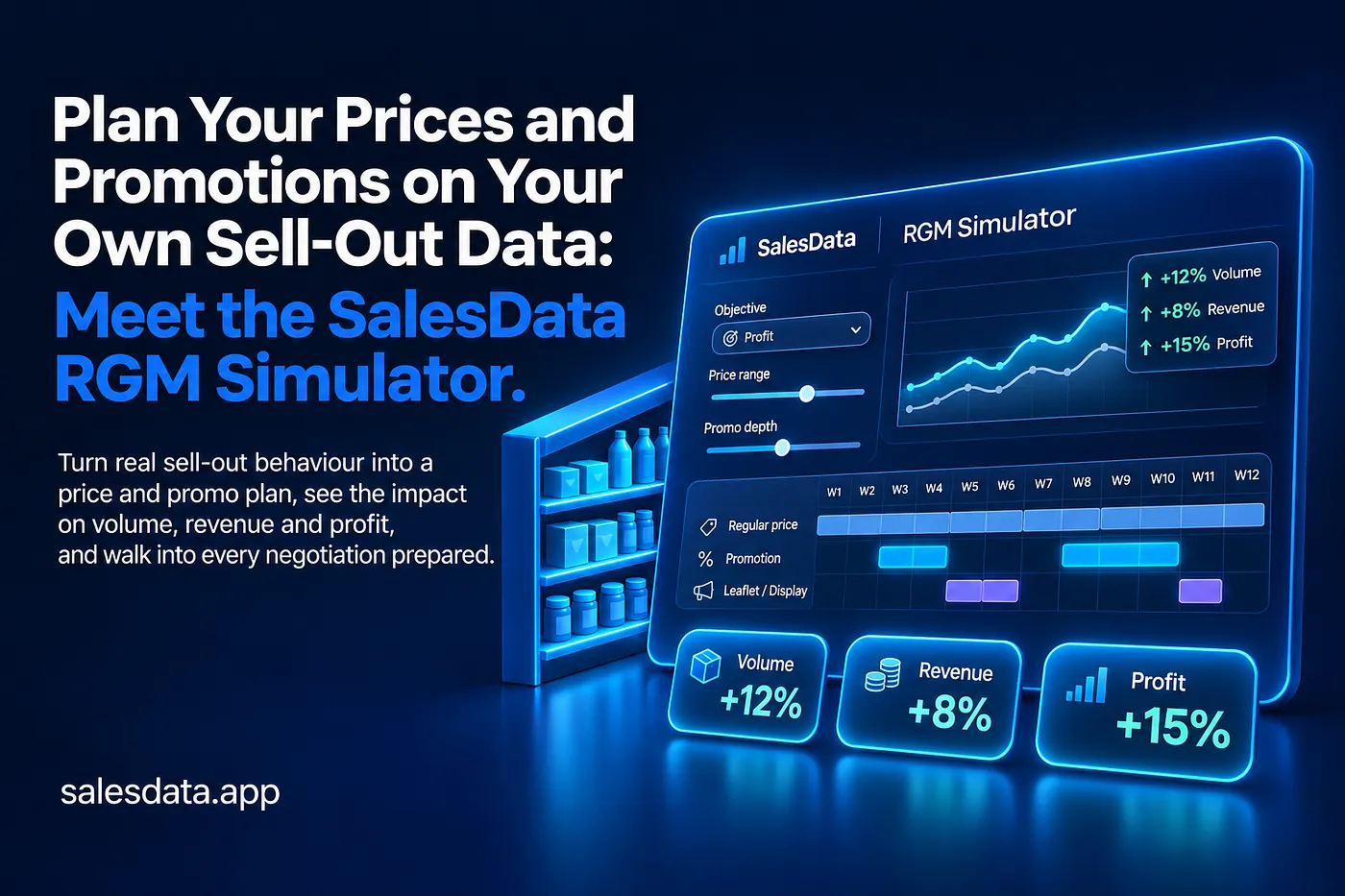
The SalesData RGM Simulator is a revenue growth management tool for CPG brands. For each product and retailer, it recommends a regular price, a promo depth and the weeks to run promotions, based on your own sell-out data. It shows the impact on volume, revenue and profit before anything is agreed with the buyer.
With the SalesData RGM Simulator, commercial teams capture more value from every price and promotion decision, and spend far less time building plans in spreadsheets. That time goes back where it matters most: preparing negotiations and building joint growth plans with retail partners.
Every year, revenue growth managers and key account managers face the same questions for each product and each retailer. What regular price should we hold? How deep should our promotions be, and when? Is the leaflet worth what it costs? In most CPG companies, the answers still come from spreadsheets built on last year's calendar. The RGM Simulator gives commercial teams a better starting point.
What is a revenue growth management (RGM) simulator?
Revenue growth management (RGM) is the practice of deciding prices, promotions and trade investment to grow revenue profitably. An RGM simulator models how sales respond to those decisions, so a team can test a plan before it reaches the retailer.
The SalesData RGM Simulator is part of SalesData, the AI-powered sales data platform that brings sell-in, sell-out, pricing and stock data into one place for CPG manufacturers and distributors. Developed in Portugal, SalesData is built to serve consumer goods companies in any market worldwide.
How does the simulator use your sell-out data?
The simulator learns from the sell-out data SalesData already collects from your retail partners. It understands how your products respond to price changes and promotions in each retailer. That includes the effects that are easy to miss in a spreadsheet, such as sales dropping after a promo, or deals losing their impact when they run too often. Both effects change your real sales baseline.
Each recommendation also comes with a clear indication of how reliable it is. Your team knows where it can act with confidence and where it should look more closely.
What does the simulator recommend for each product and retailer?
For each product and retailer, the simulator proposes:
- a regular price;
- a promo depth;
- the weeks to run promotions;
- when the retailer's promo tools, such as leaflets and displays, are worth the investment.
Every proposal follows the goal you set for each category: profit, revenue, volume or a balance between them. The result is a better calendar, not a copy of last year's.
You stay in control. Your team sets the rules for each category, such as acceptable price ranges and how much of the volume can be sold on promotion, and the simulator works within them. This is why a dedicated promo planning tool beats a shared spreadsheet.
How do you know the impact of a price and promo plan before you commit?
Every plan is compared with last year, so you can see what it would change in volume, revenue and profit. The simulator also shows how much each decision contributes, from pricing to the promo calendar, along with a P&L by retailer.
That makes recommendations easy to explain internally and easy to defend in front of a buyer. It also gives you the starting point for measuring promotion ROI once the plan is live.
How can the RGM Simulator help in retailer negotiations?
What if costs go up next quarter? What if a retailer asks for more margin, or offers more stores? The simulator lets you build and save what-if scenarios and compare them side by side. You know what each request really means for both sides before you sit down with the buyer.
It also helps with listing decisions. It can estimate how a product could perform in a new retailer, and suggest which products could take the space of one being delisted. Combined with competitor price monitoring, your team walks into every negotiation prepared.
What happens after the plan is approved?
Once a plan is approved, it becomes promo actions in SalesData's promo planner, ready to execute and track. The same sell-out data that shaped the plan then shows whether it delivered, side by side with sell-in. Plans can also be exported to Excel to share with finance or the wider team.
That is the full sales cycle working as one: data informs the plan, the plan reaches the store, and the results feed the next decision. Longa Vida already works this way with special displays.
What are the benefits for each commercial team?
Every team works from the same plan and the same sell-out data, and spends less time rebuilding numbers in spreadsheets.
Revenue growth managers get prices and promotions proposed from how each product really sells in each retailer, with the reliability of every recommendation shown alongside it.
Key account managers get what-if scenarios and a P&L by retailer, so they can prepare and defend every negotiation.
Commercial directors see the impact on volume, revenue and profit versus last year, how much each decision contributes, and the rules set for each category.
Trade marketing receives approved plans that become promo actions in the promo planner, ready to execute and track.
Finance gets a P&L by retailer and plans exported to Excel.
Spreadsheet vs. RGM Simulator: what changes?
A spreadsheet-based plan usually starts from last year’s promo calendar. The SalesData RGM Simulator starts from how each product actually sells, retailer by retailer.
Post-promo dips and promo fatigue are easy to miss in a spreadsheet. In the simulator, they’re built into the recommendations.
A spreadsheet doesn’t tell you how much to trust each number. The simulator shows the reliability of every recommendation.
In a spreadsheet, the impact on volume, revenue and profit is calculated by hand. The simulator compares it with last year automatically and gives you a P&L by retailer.
Negotiation scenarios in a spreadsheet mean one file per version. In the simulator, what-if scenarios are saved and compared side by side.
Finally, a spreadsheet plan has to be re-typed into other tools before it reaches the store. With the simulator, the approved plan becomes promo actions in the promo planner directly.
What is the SalesData RGM Simulator?
It is a price and promotion planning tool for CPG brands. It recommends regular prices, promo depth and promo weeks for each product and retailer, based on the brand's own sell-out data, and shows the impact on volume, revenue and profit.
What data does the RGM Simulator use?
It uses the sell-out data SalesData already collects from your retail partners. There is no separate data project to start.
Can I plan for profit instead of volume?
Yes. You set a goal for each category: profit, revenue, volume or a balance between them. The recommendations follow that goal.
Does the simulator replace the commercial team's judgement?
No. Your team sets the rules for each category, such as price ranges and the share of volume sold on promotion. Each recommendation shows how reliable it is, so the team knows where to look more closely.
Can I test what-if scenarios before a negotiation?
Yes. You can build, save and compare scenarios side by side, for example a cost increase, a retailer asking for more margin, or a retailer offering more stores.
Does it help with listing and delisting decisions?
Yes. It estimates how a product could perform in a new retailer and suggests which products could take the space of one being delisted.
How does an approved plan get executed?
It becomes promo actions in SalesData's promo planner, ready to execute and track against sell-out. It can also be exported to Excel.
Who uses the RGM Simulator in a CPG company?
Revenue growth managers, key account managers, commercial directors, trade marketing and finance. Each works from the same plan and the same sell-out data, from price and promo decisions to retailer negotiations and execution.
Is SalesData only for companies in Portugal?
No. SalesData is a Portuguese company, and its platform is built to serve consumer goods manufacturers and distributors in any market worldwide.
See it with your own data
Less time on back-office tasks. More time with customers and in stores, executing winning commercial strategies.
The RGM Simulator runs on the sell-out data SalesData already collects, so there is no separate data project to start. Request a demo and we will show you what your next price and promo calendar could look like.