
Most commercial teams already use an AI assistant for emails, documents and presentations. Until now, that assistant had no idea how their brands were actually selling.
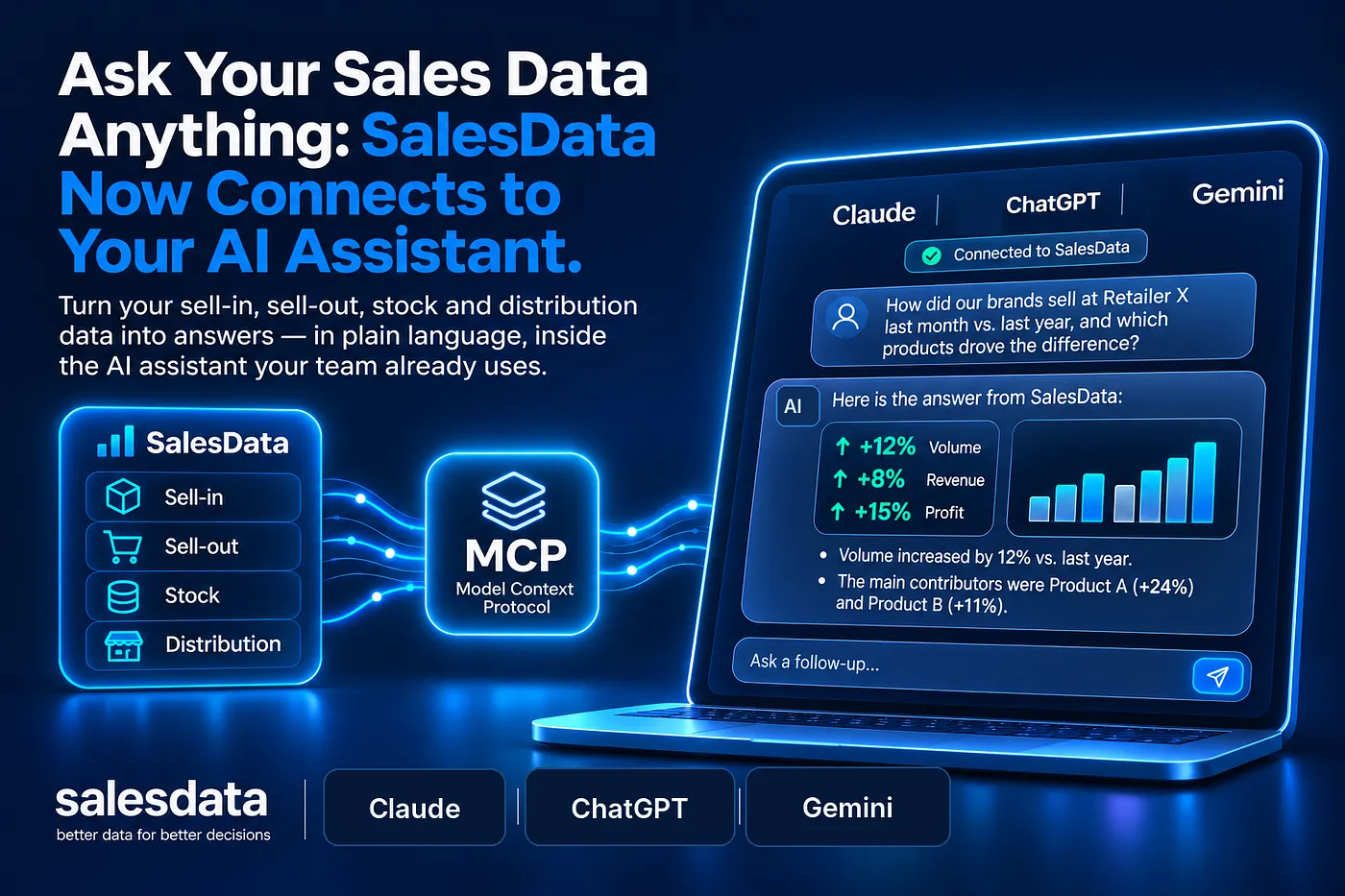
That changes today. SalesData now has an MCP server, which means you can connect your sell-in, sell-out, stock and distribution data directly to the AI assistant your team already uses, such as Claude, and ask questions about it in plain language.
No exports, no copy-pasting tables into a chat window, no waiting for someone to build a report. You ask, the assistant fetches the numbers from SalesData, and you get an answer grounded in your real data.
What MCP is, in plain terms
MCP, the Model Context Protocol, is an open standard that lets AI assistants connect to external systems in a safe, structured way. Think of it as a universal plug: a tool that speaks MCP can be used by any assistant that supports it.
For SalesData, it means the same analytical tools that power the assistant inside our app are now available outside it. Your AI assistant can look up products, retailers and stores, read sell-in and sell-out, check stock coverage and out-of-stocks, and find distribution gaps, all through SalesData.
What you can ask
The questions are the ones commercial teams ask every week, just without the manual work. A key account manager preparing a retailer meeting can ask how their brands sold at that retailer last month compared with the same month last year, and which products drove the difference.
A sales director can ask which stores stopped reporting sell-out for a top SKU in the last two weeks, and what stock they had left. A trade marketing manager can ask where a product is listed but not selling, or which stores in a region are the biggest distribution opportunities.
You can also compare your online prices and promotions with competitors on retailer websites, review promo actions, and check progress against objectives. And because the answer arrives inside your assistant, you can keep going in the same conversation: turn it into an email to the buyer, a summary for your team or the outline of a presentation.
Same numbers, same permissions
The assistant does not get a copy of your database, and it does not guess. Every answer comes from a live query to SalesData, using the same data your team sees in the app.
Access follows the same rules too. Each person connects with their own SalesData account, so a key account manager sees the retailers and stores they are responsible for, and nothing from another company's data. Which AI assistant you connect is your choice, and stays under your organisation's own policies.
Why it matters: connected data comes first
In a recent survey of 41 senior CPG commercial leaders, McKinsey found that only 12 had embedded AI into core workflows. Their diagnosis: most teams are trying to layer AI on top of data that is fragmented or not connected across functions.
An AI assistant is only as good as the data it can reach. Connected to a folder of spreadsheets, it will give confident answers based on whatever file it was handed. Connected to SalesData, it works from one view of the full sales cycle, from sell-in to sell-out, the same numbers your commercial, supply chain and finance teams already rely on.
That is the foundation agentic AI needs. MCP is how we make it available wherever your team works.
Getting started
If you are already a SalesData customer, get in touch and we will help you connect your account to your AI assistant. Setup takes a few minutes, and you can start asking questions about your own data straight away.
If you are not yet using SalesData, this is a good moment to see it. Request a demo and we will show you what your sales data looks like when you can simply ask it a question.